
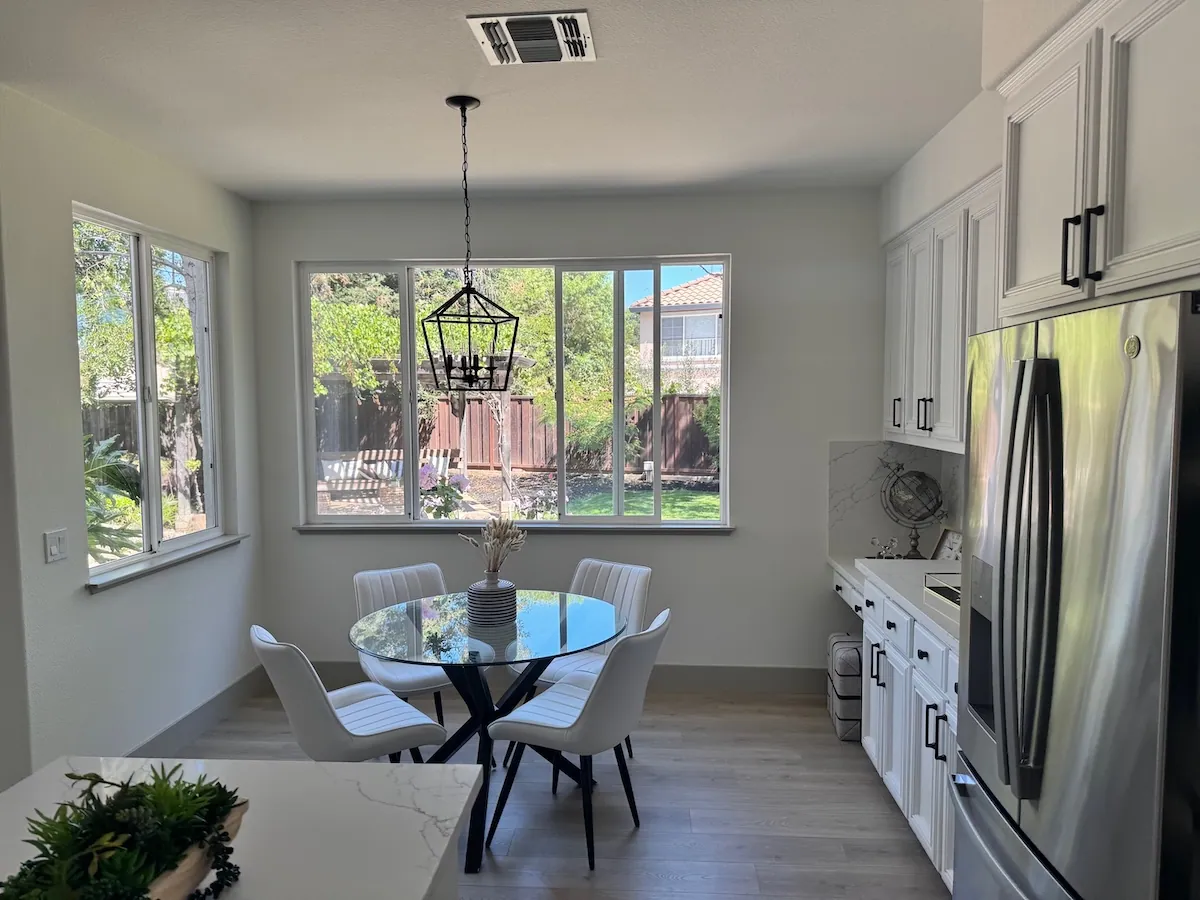
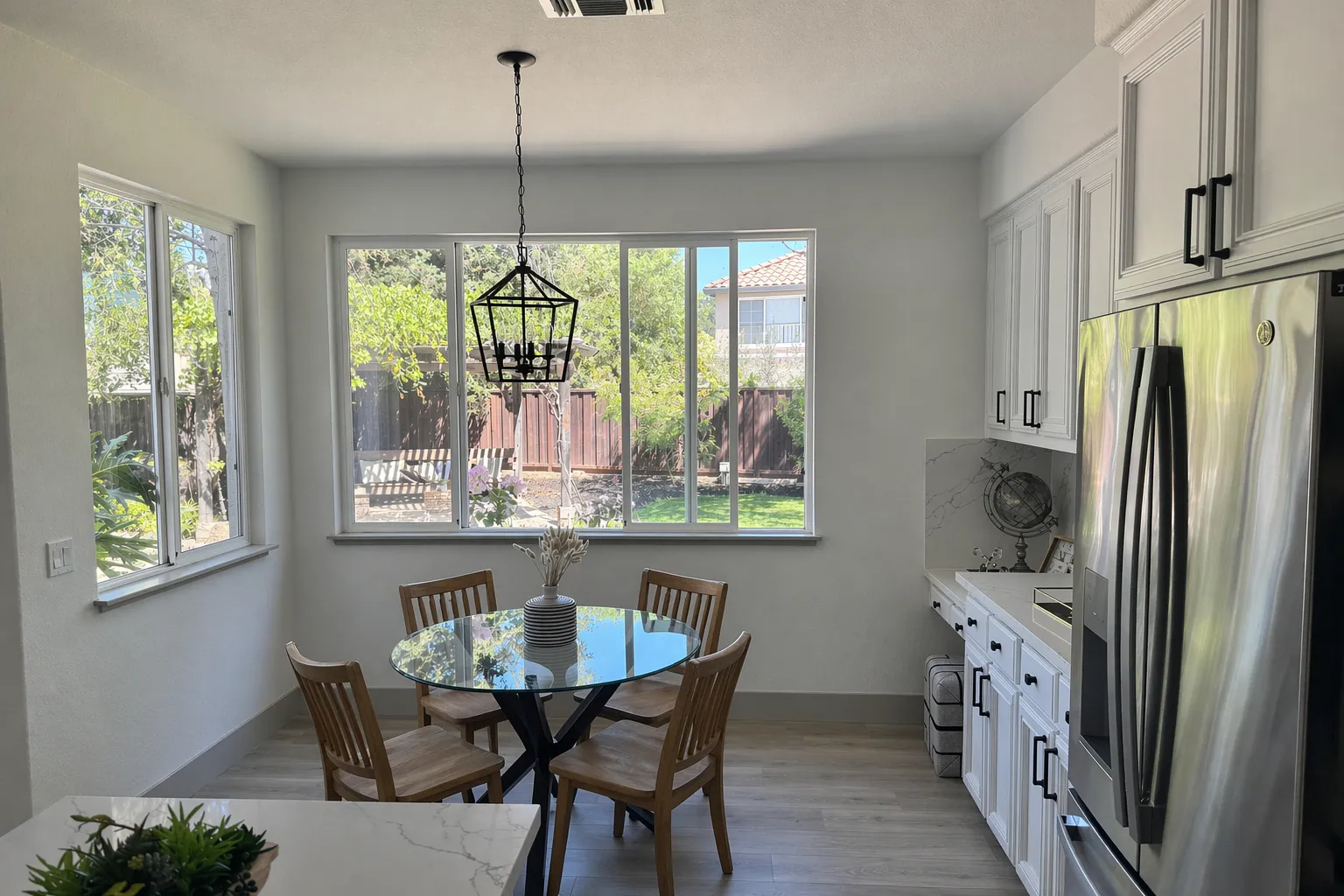
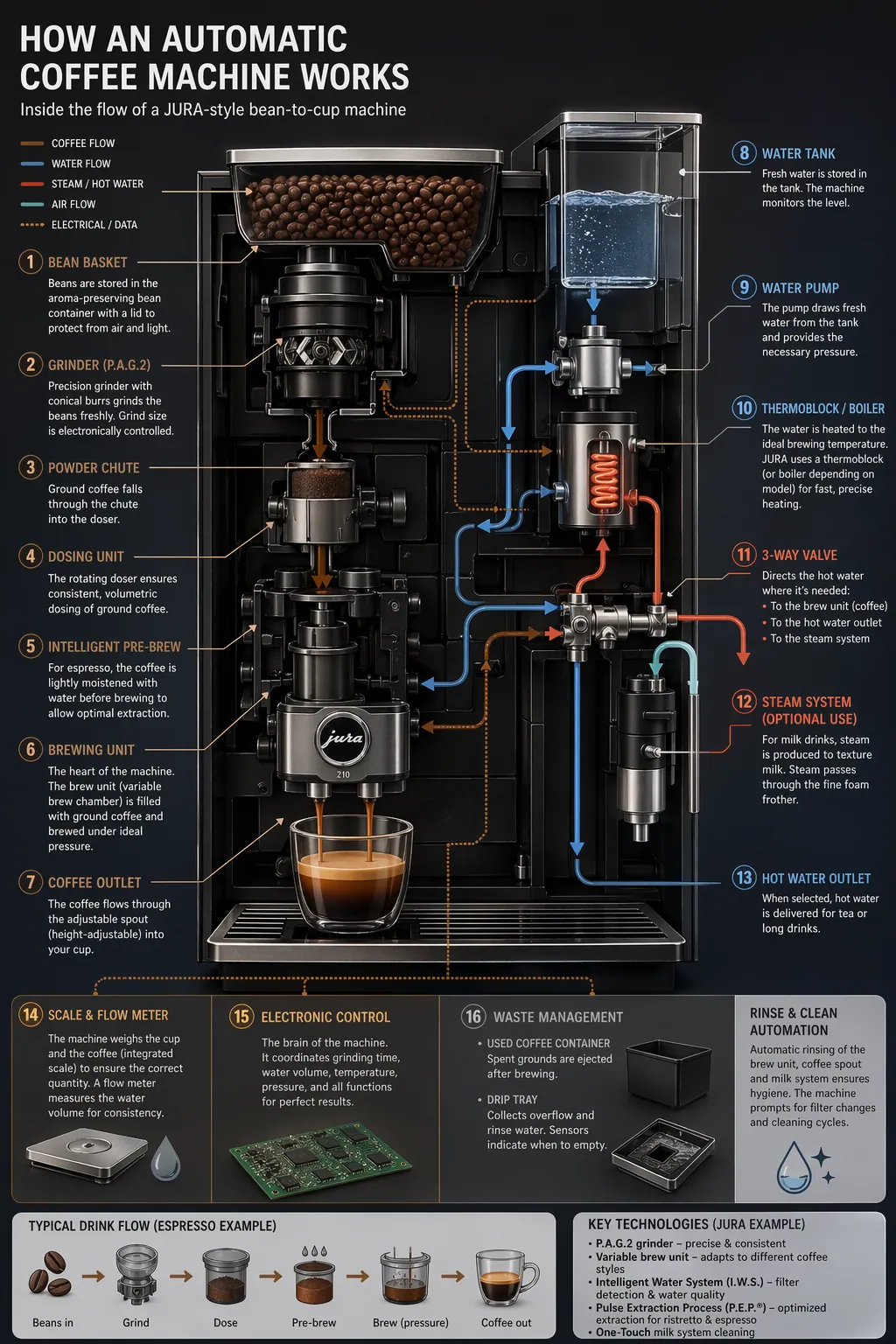
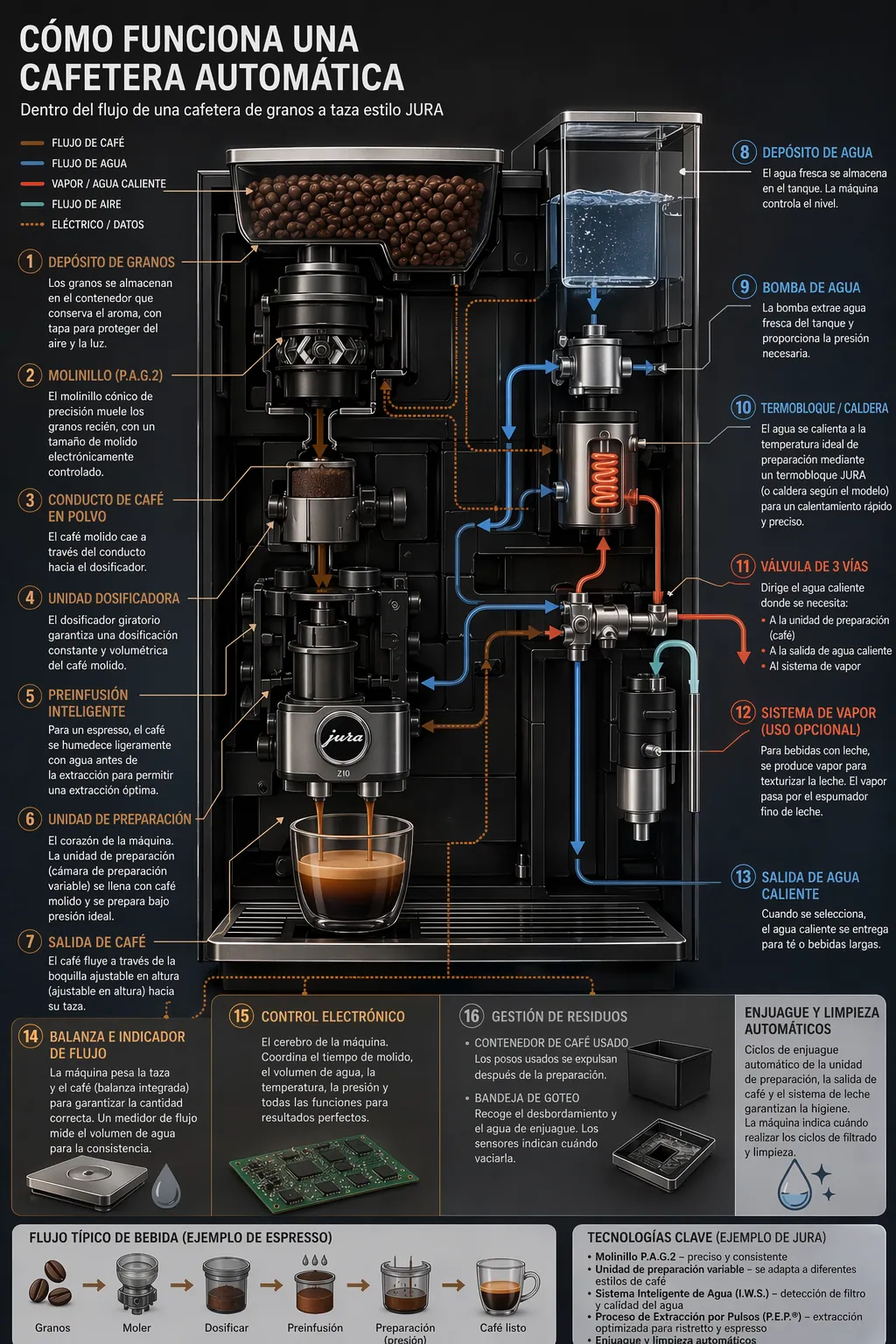
Unlike diffusion-only models, the model thinks before it draws. Complex prompts with 100+ distinct elements stay visually coherent and on-brief.
Reference Image
Upload an optional image to guide the result.
PNG, JPG, WebP up to 24MB
Prompt
Describe the style, scene, mood, or text you want.
0/1000
Aspect Ratio
Choose the output shape.
Photo-Realistic Scenes from GPT Image 2
Prompt: "A photorealistic candid photograph of an elderly sailor on a small fishing boat, shot like 35mm film." GPT Image 2 renders realistic lighting, accurate reflections, and faithful material textures — skin, glass, fabric, water — without the plastic AI look earlier generators produced.
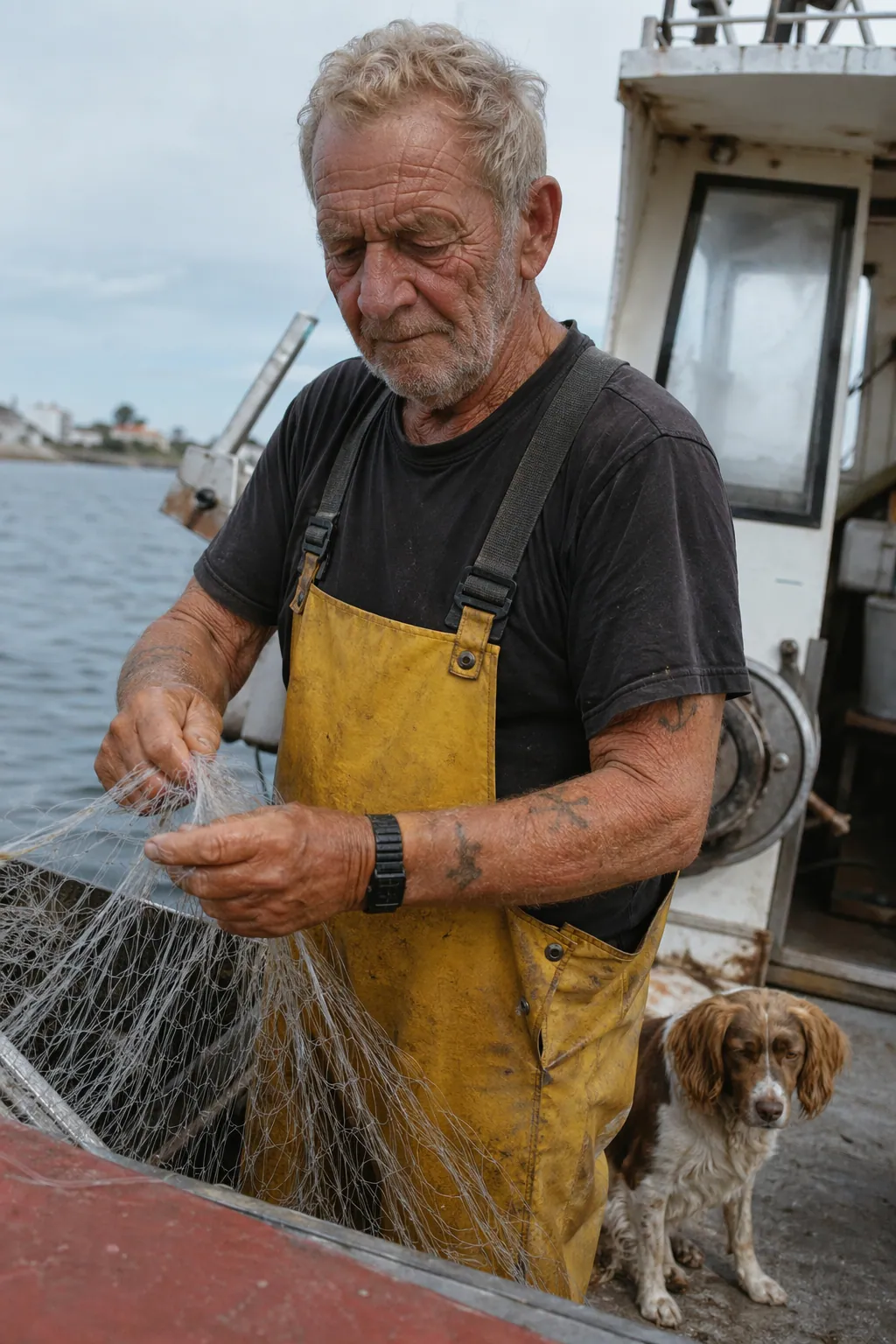 Photo-realistic output
Livestream Beauty Room Demo
Prompt: "Create a vertical social livestream beauty room with a friendly creator presenting skincare products, soft pink-and-cyan studio lighting, live comments, hearts, and shopping UI overlays." GPT Image 2 can compose a polished livestream scene in one shot: expressive presenter, readable social UI, product details, and commercial lighting all stay coherent.
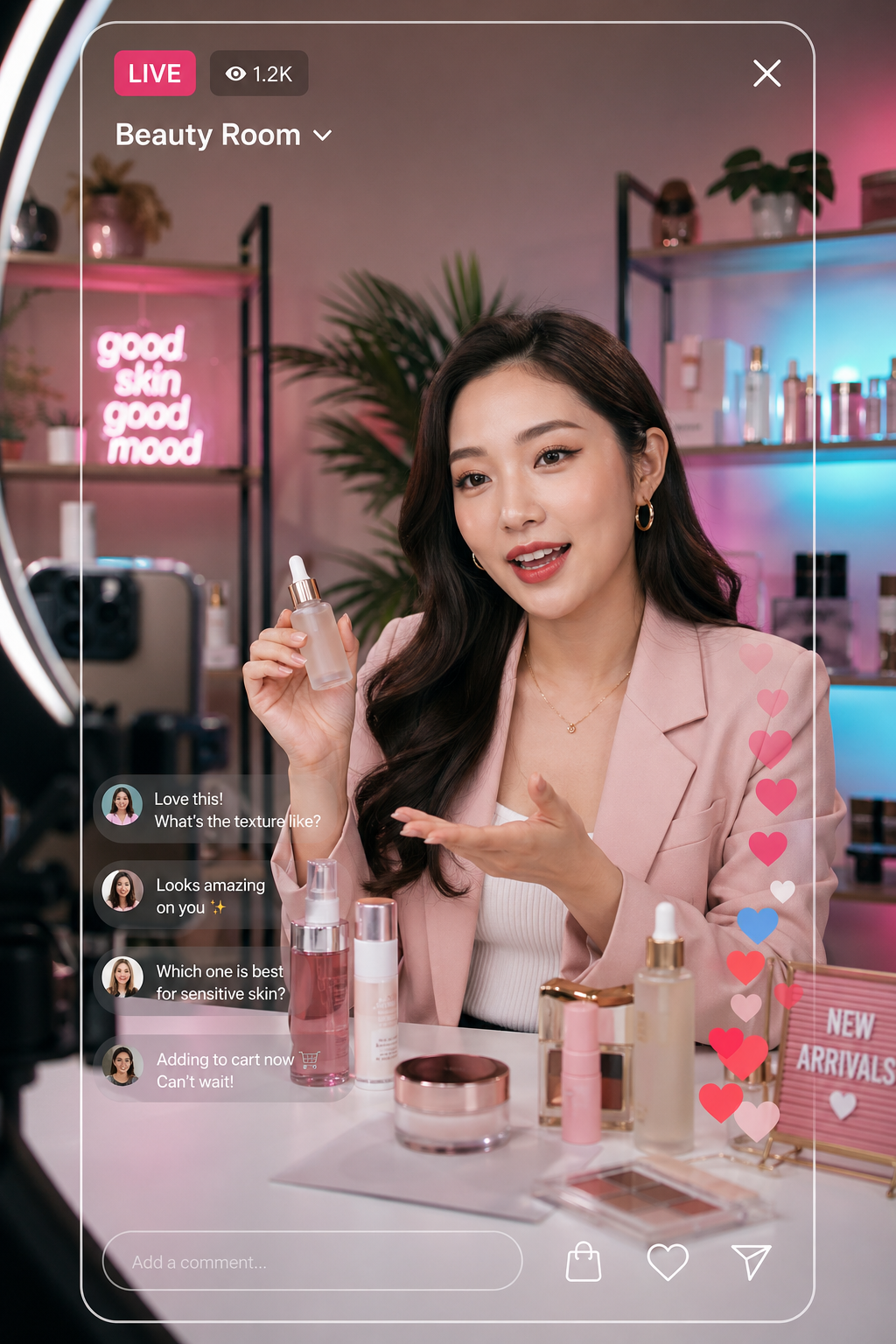 Beauty livestream example
Narrative Reasoning for Comic Strips
Prompt: "A vertical comic reel with 4 equal-sized panels of a pet sneaking out to explore the garden at night." The native reasoning layer keeps character identity, composition, and story beats consistent across panels — something diffusion-only models struggle with.
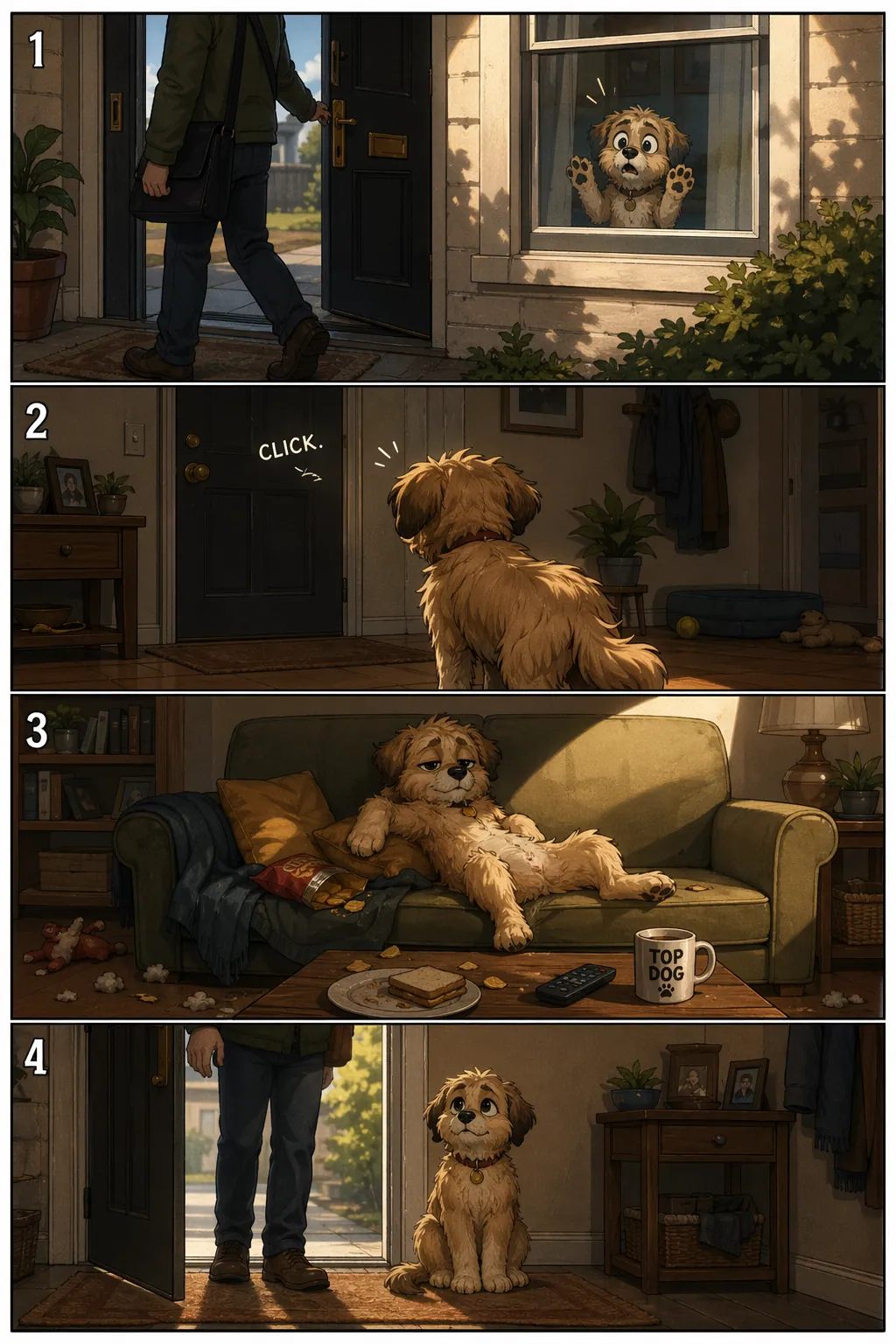 4-panel comic from one prompt
Sketch In, Photograph Out
Reference-image editing with GPT Image 2. Upload a drawing, then prompt: "Turn this drawing into a photorealistic image. Preserve the exact layout, proportions, and perspective." Your composition stays; the materials turn real.
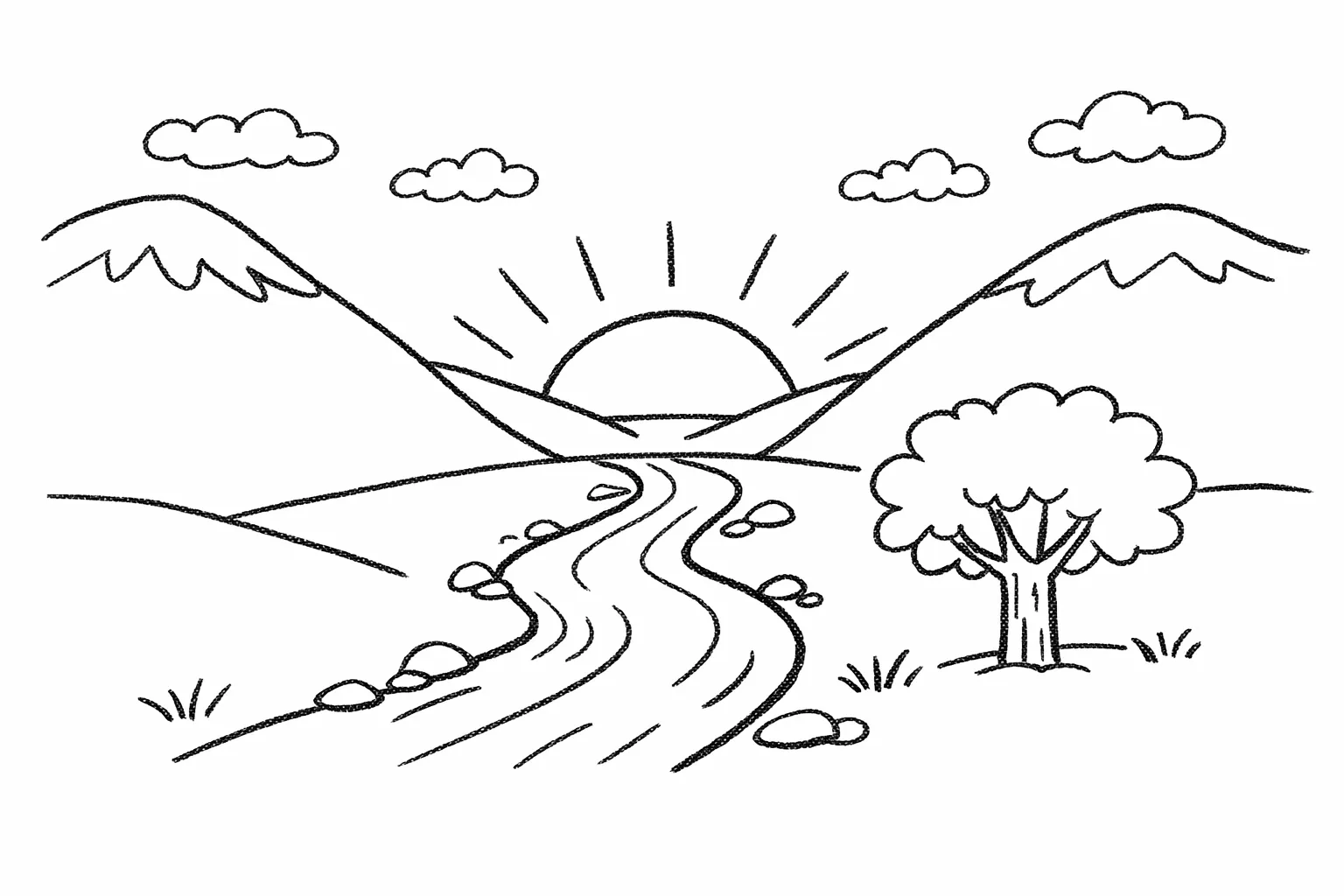 Input sketch
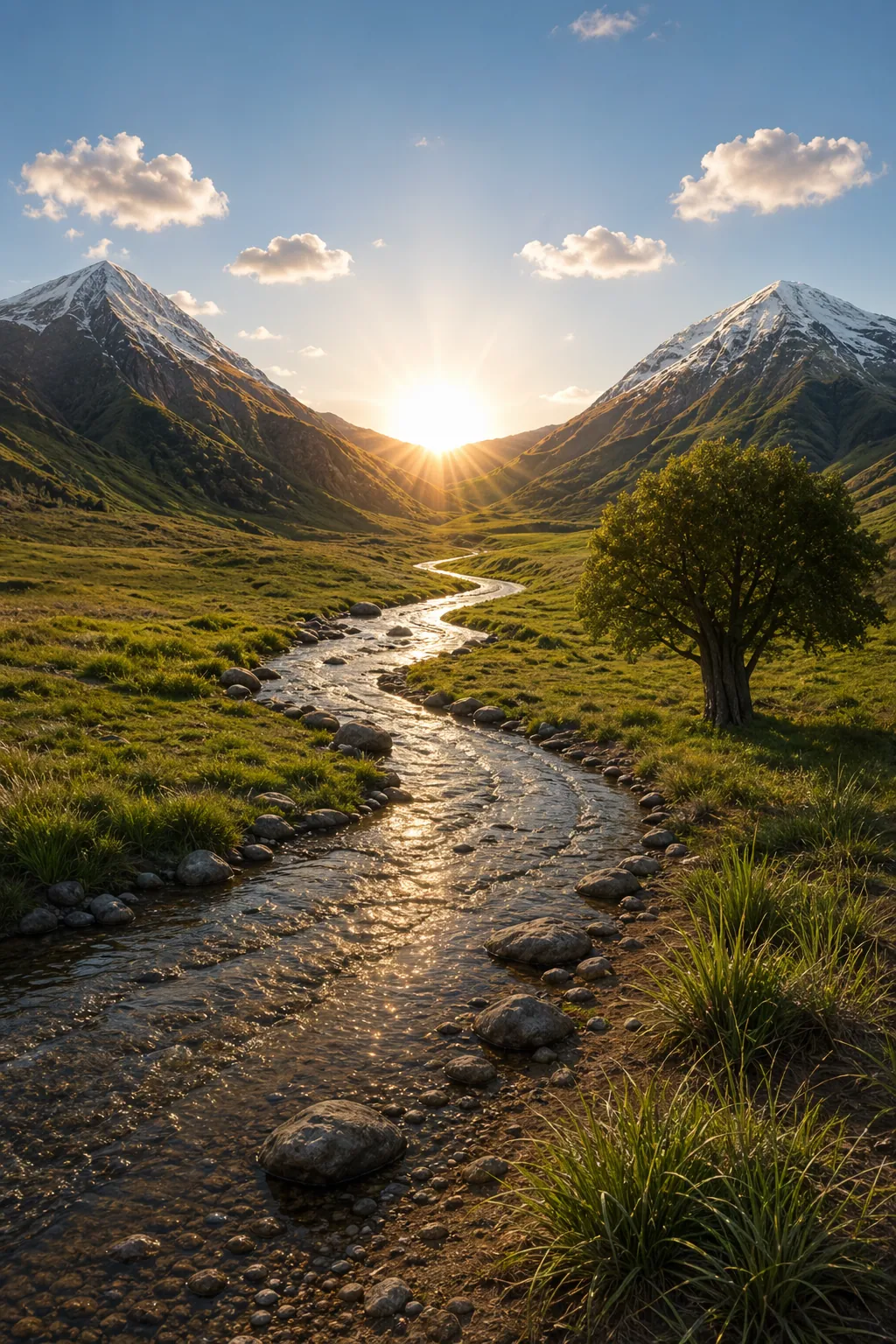 Photoreal output
Clean Product Cutouts Without a Studio
Drop in any product shot, then prompt: "Extract the product and place it on a plain white opaque background. Preserve product geometry and label legibility." GPT Image 2 returns a ready-to-use e-commerce image — no Photoshop, no studio.
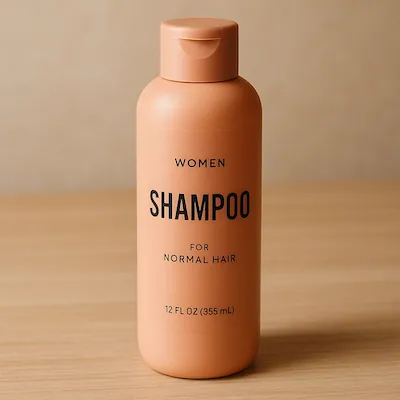 Original photo
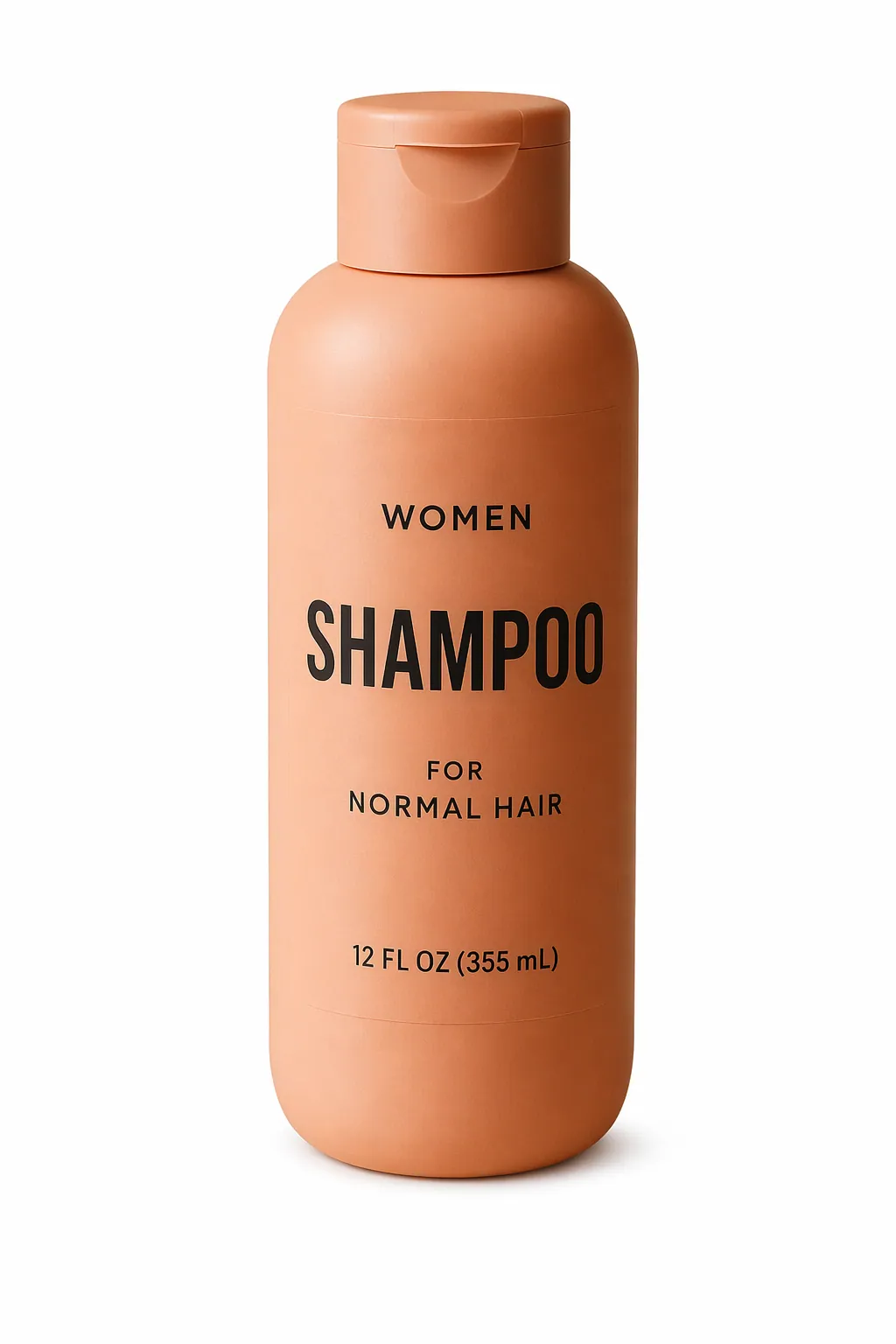 Clean cutout
Transfer Any Style to Any Subject
Prompt: "Use the style from the input image and generate a man riding a motorcycle on a white background." GPT Image 2 reads the style reference and applies it to an entirely new subject, preserving the visual grammar of the original.
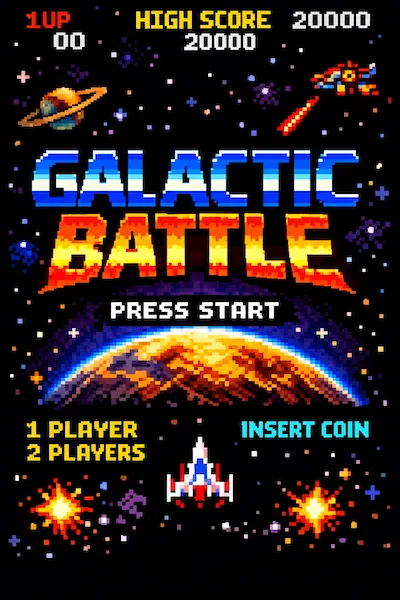 Style reference
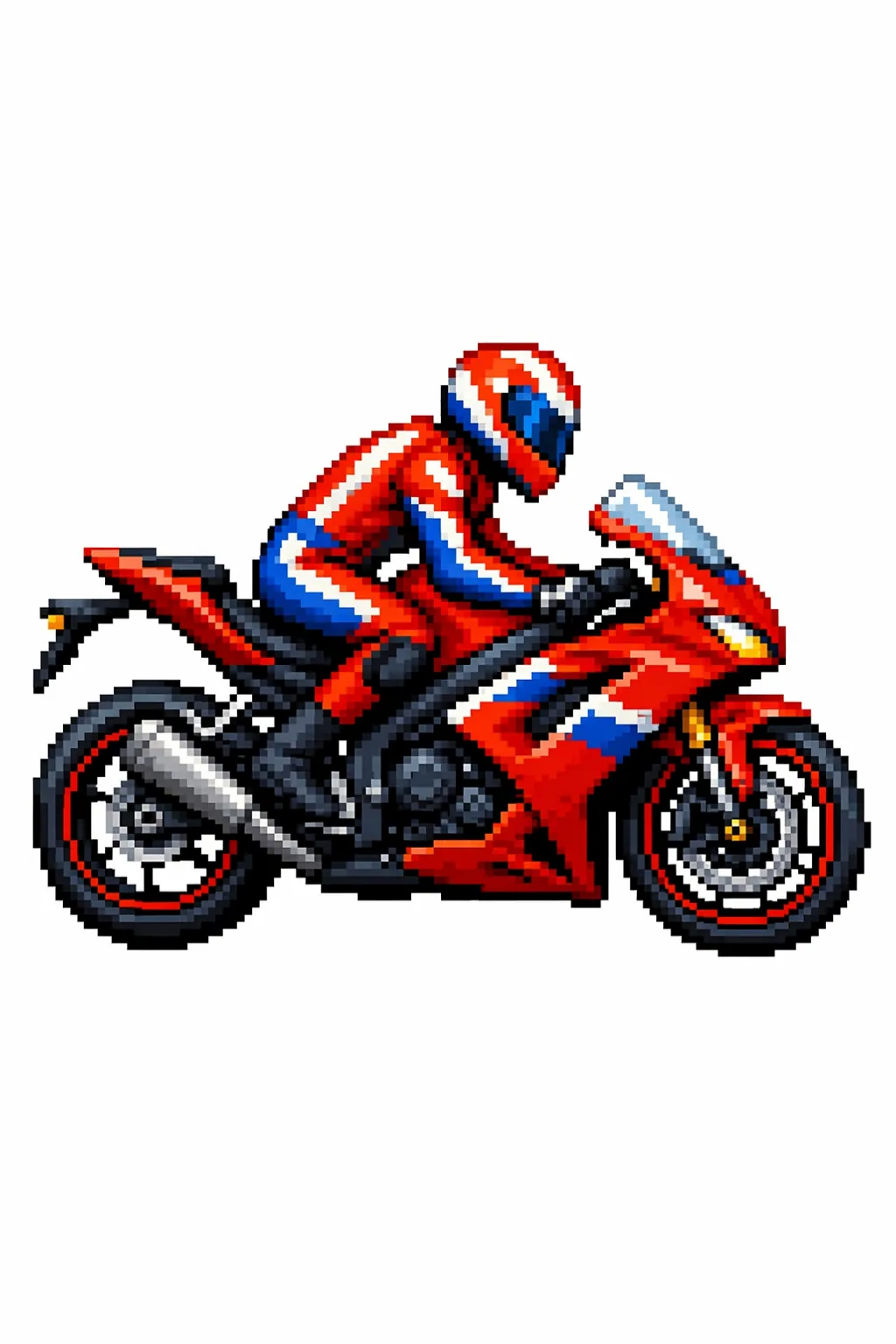 New subject, same style
Why Creators Choose GPT Image 2
GPT Image 2 is OpenAI's first image model with native reasoning, and creators, marketers, and developers are migrating over in days rather than months. Here is what makes it different from every generator that came before.
GPT Image 2 Pricing
Flexible plans for anyone using GPT Image 2 — from hobbyists exploring AI art to studios shipping hundreds of assets a day.
Starter
$9.9/ month
Start exploring the model.
Includes:
- 2,950 credits per month
- ~118 images/month
Creator
$19.9/ month
Best value for regular creators.
Includes:
- 6,500 credits per month
- ~260 images/month
Studio
$49.9/ month
For teams and power users.
Includes:
- 18,000 credits per month
- ~720 images/month
GPT Image 2 FAQ
Common questions about GPT Image 2, OpenAI's next-generation image model.
01What is GPT Image 2?
GPT Image 2 is OpenAI's next-generation image generation model, released on April 21, 2026. It is the first OpenAI image model with native reasoning capabilities built into the architecture, which is why it handles complex prompts, multi-language text, and detailed compositions far better than previous models. Outputs go up to 2K resolution and cover styles from photorealism to pixel art.
02How is GPT Image 2 different from DALL-E or GPT-4o image generation?
Earlier OpenAI image tools relied on diffusion-style generation without a dedicated reasoning layer. The new model thinks through the composition before drawing, which dramatically improves text rendering, complex scenes with many distinct objects, and style fidelity. On the Image Arena leaderboard, it opened with a +242-point lead within 12 hours — the largest margin in the benchmark's history.
03Can it render text in Chinese, Japanese, or Arabic?
Yes. Accurate multi-language text rendering is one of its headline features. The model handles Latin, Chinese, Japanese, Korean, and Arabic scripts, including mixed-script layouts like bilingual menus, posters, product packaging, and UI mockups — something older models consistently broke on.
04Do I need an OpenAI subscription to use this tool?
No. You can access the model directly through our platform using credits from any plan — no separate OpenAI account required. Our backend handles model access and scaling so you can focus on prompts and outputs instead of API billing.
05Is my uploaded reference image kept private?
Yes. Your reference images are processed only to generate your output and are not used for training or shared publicly. You own the images you create, subject to OpenAI's usage terms for generated content.